Web hosting
A small collection of demos
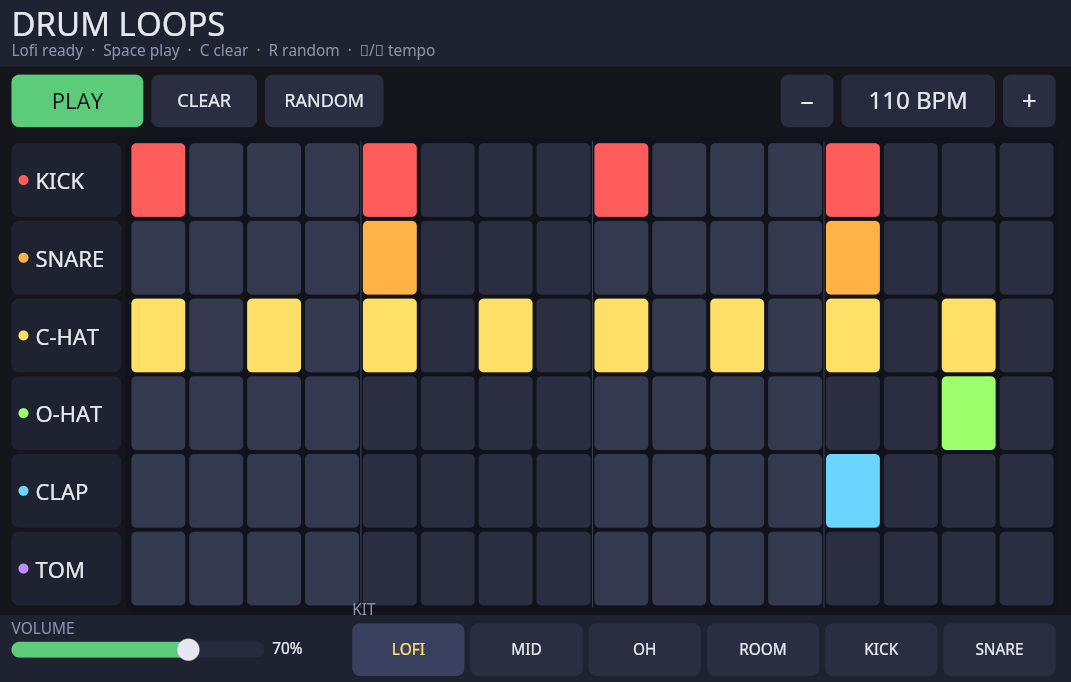
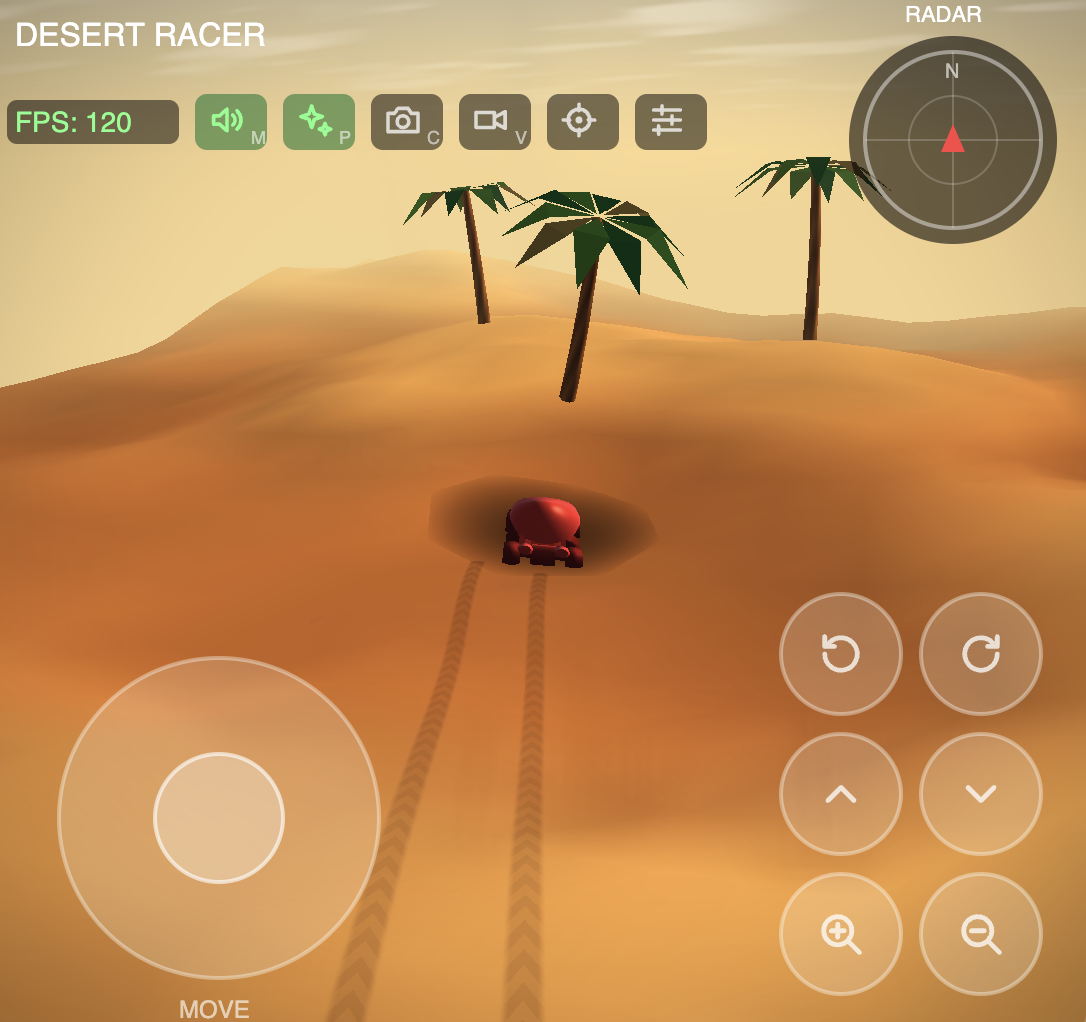
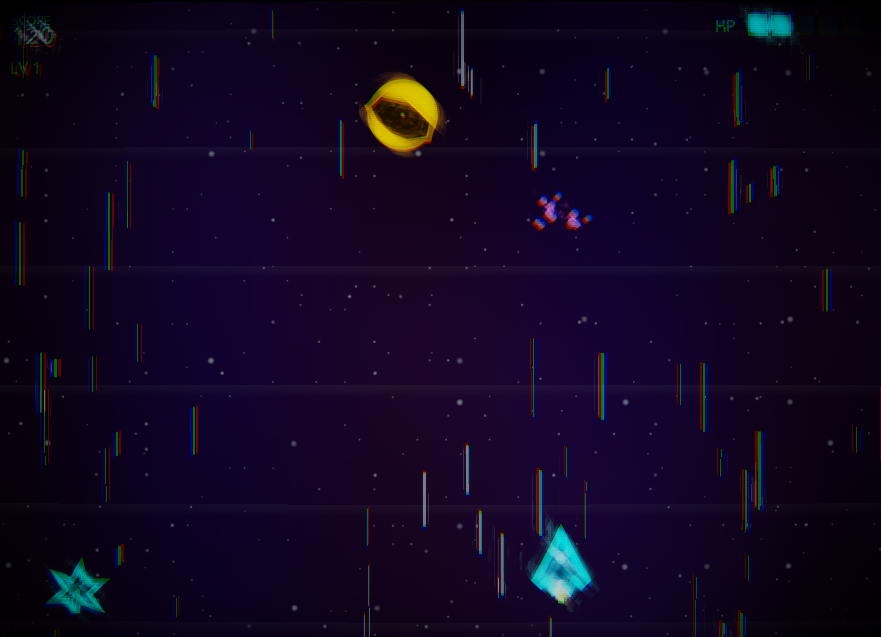
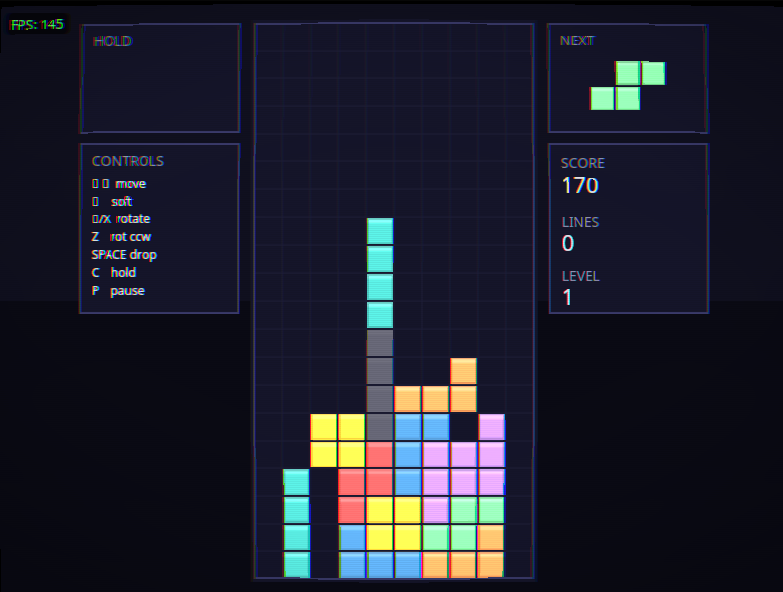
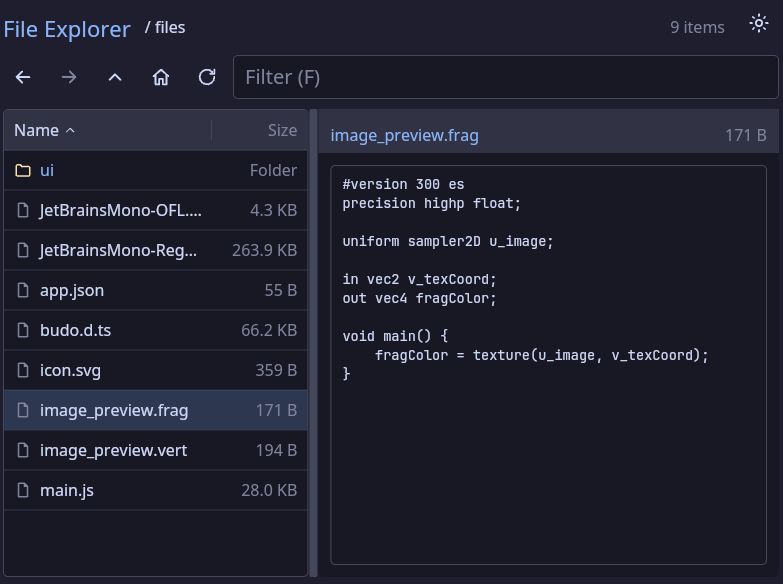
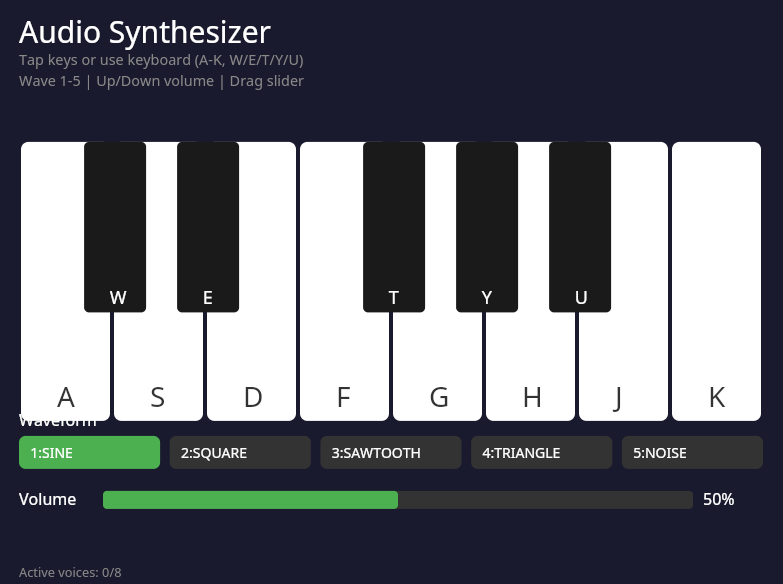
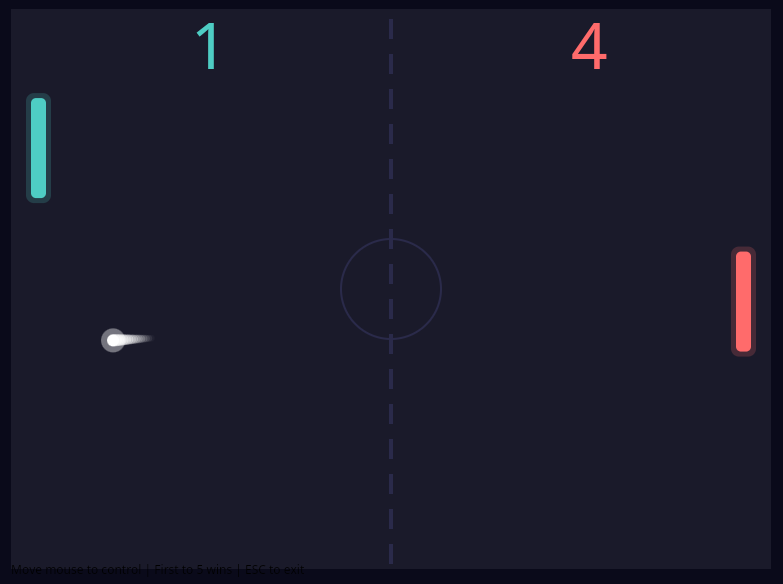
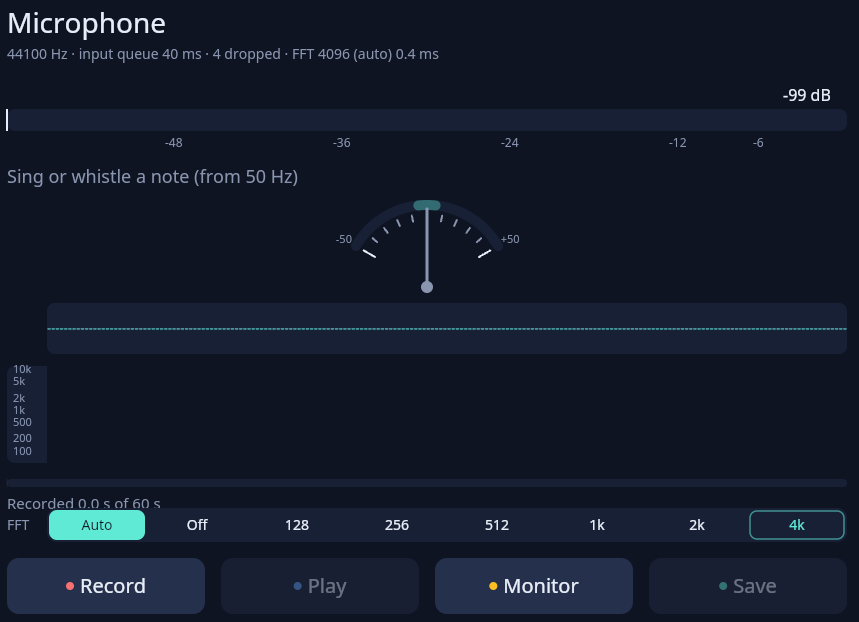
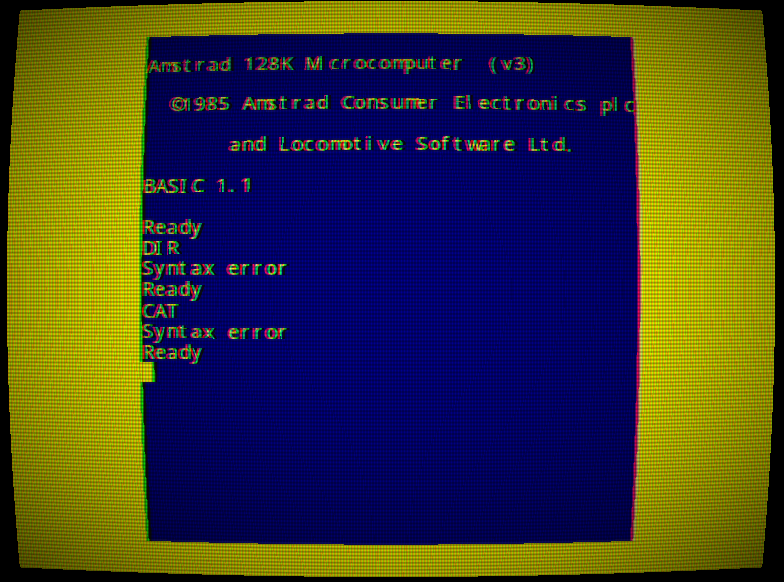
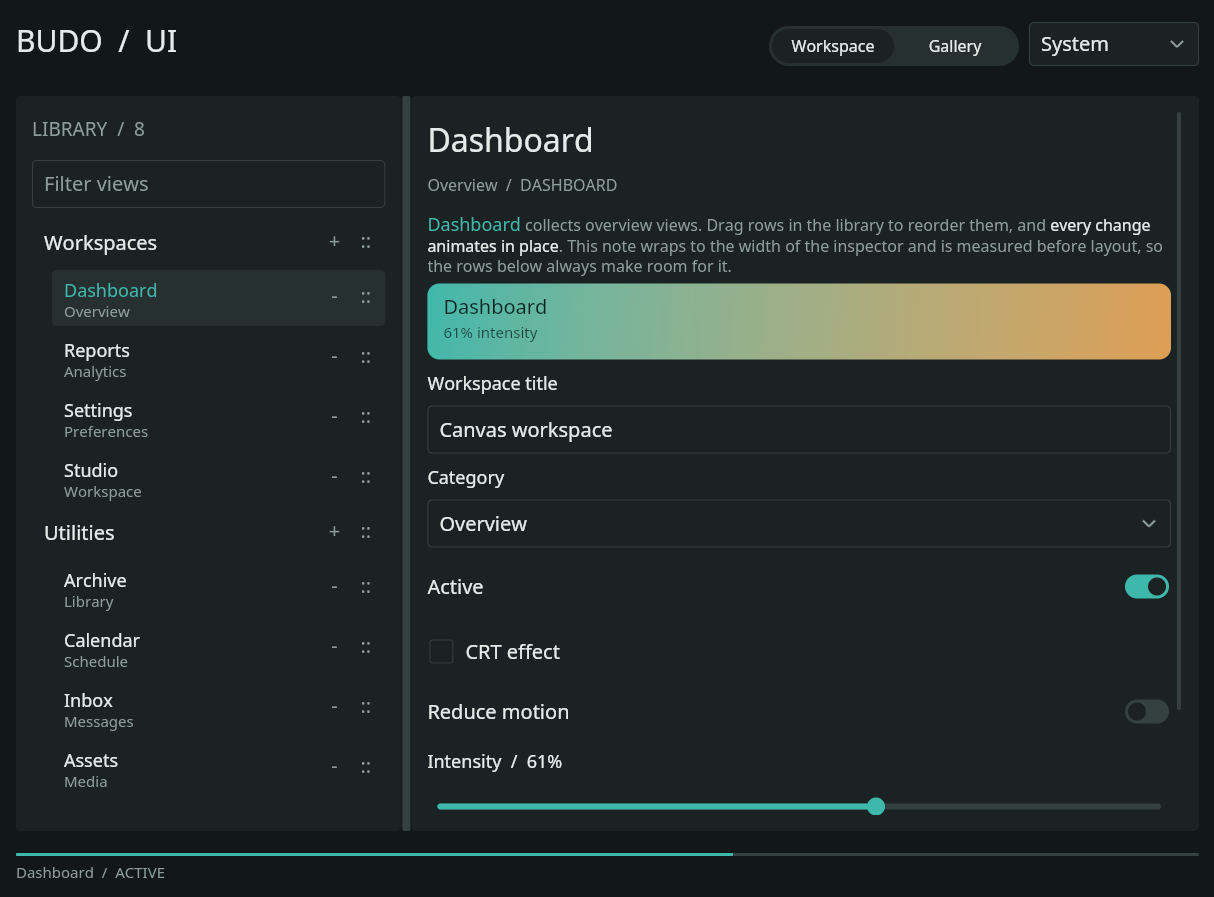
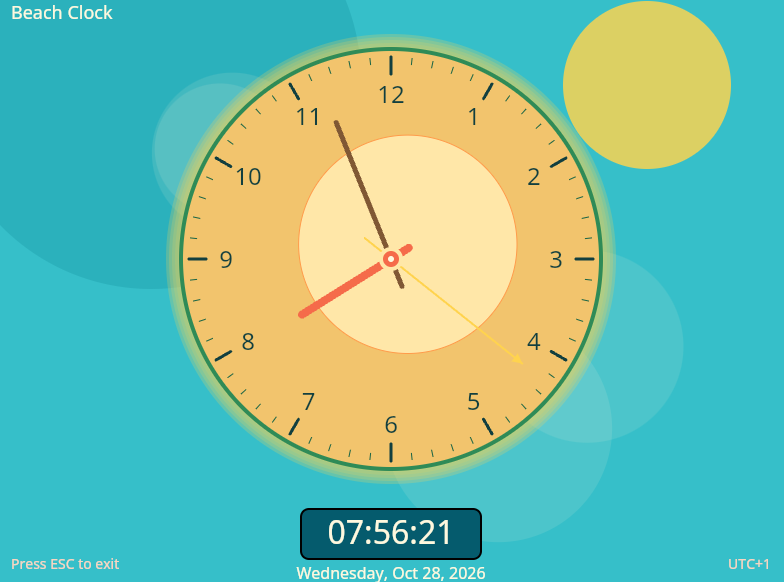
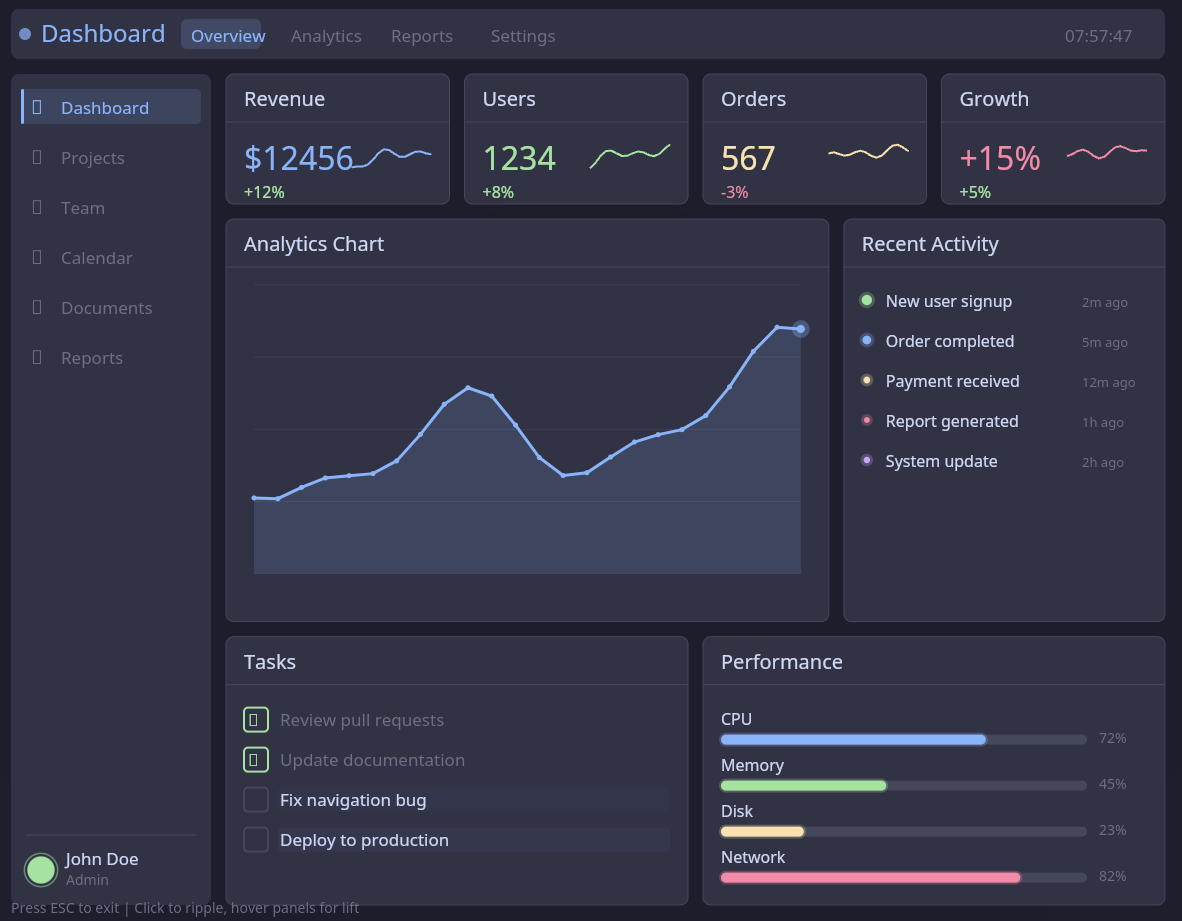
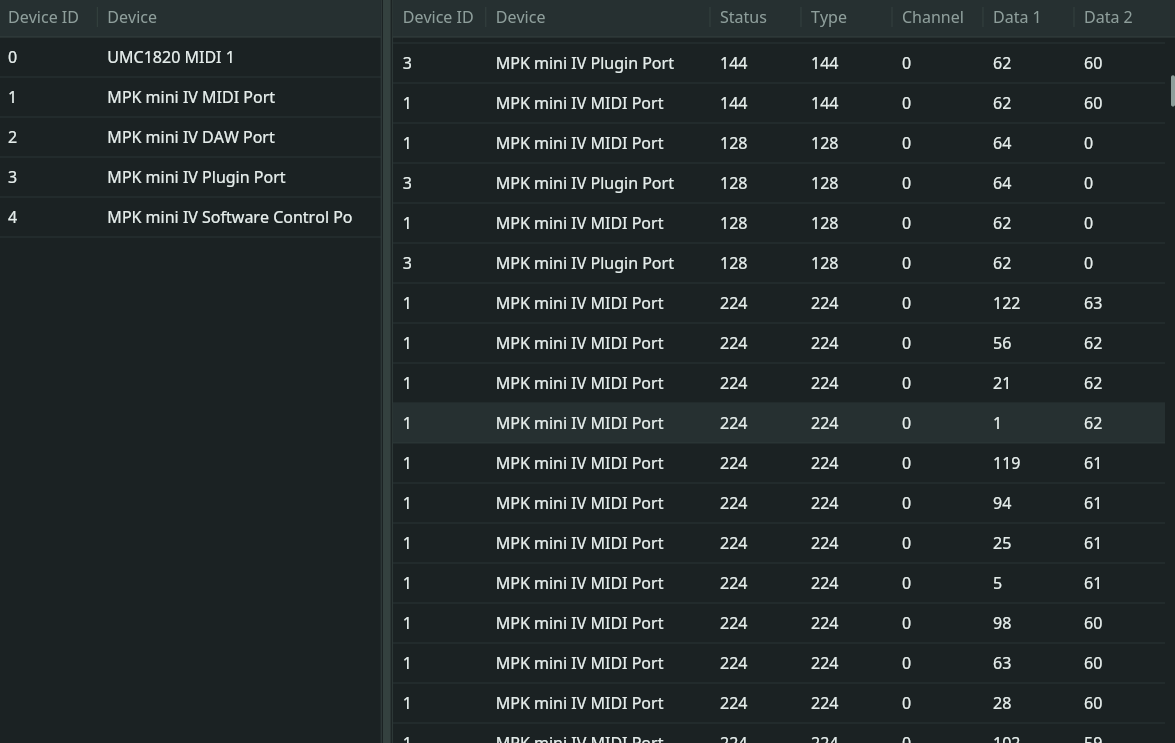
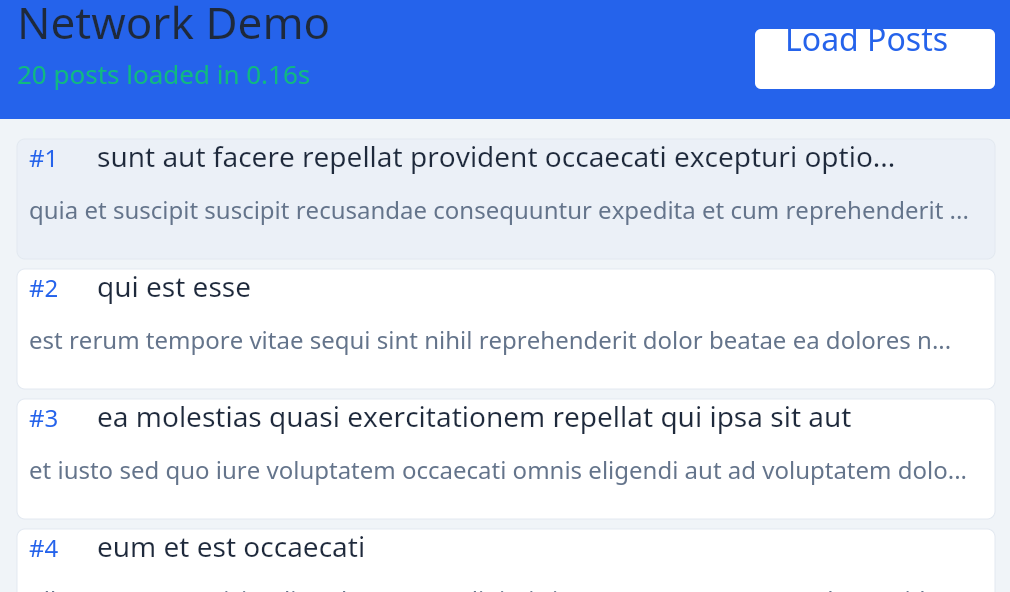
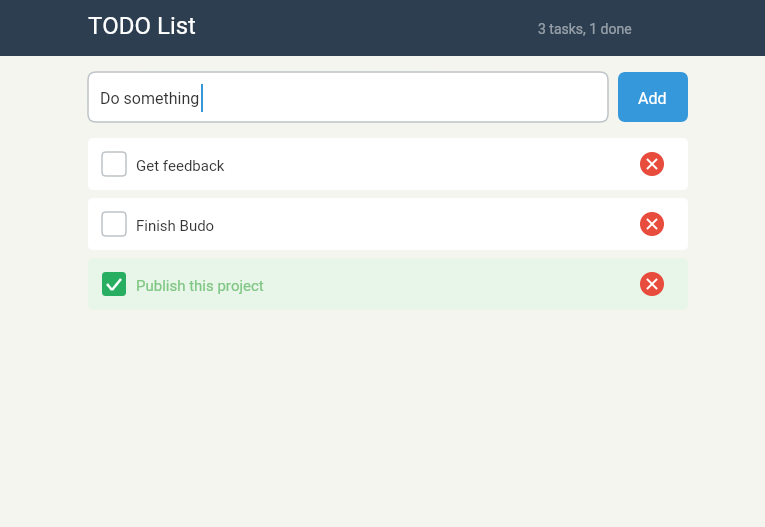
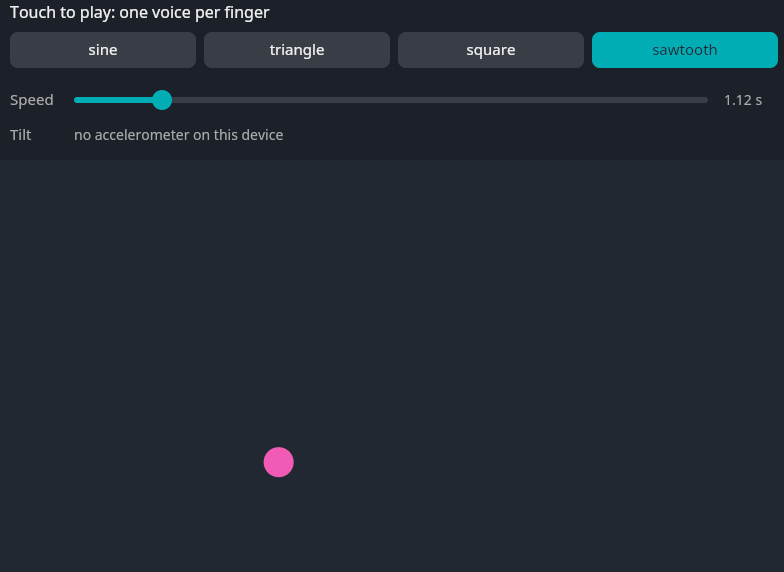
Here are some demos you can run on this page (you'll be able to download the APKs for Android too). And there is a load more very small examples in the Playground.
Budo is a small multi-platform runtime for creative coding. With it, you can build 2D/3D/audio tools, games, and quick prototypes. I bet you can also do something serious with it! Your application code uses a convenient API to control Graphics, Audio, Midi, Text/Mouse/Gestures input and more. Multiple languages are supported: Typescript (*), Javascript, Lua and Web Assembly, use the one you prefer. The same code runs on Desktop, Web and Mobile. Budo is LLM ready with a small 30kb instruction file to guide your agents. The goal is to give you the best development experience in a simple, powerful and pleasant environment. All of that outside of browser apis and constraints. It's maybe something between Processing, DearIM and React Native, with a modern twist, multiple language support and multi-platform capabilities.
Open-source MIT core. Early-stage
Web hosting
Here are some demos you can run on this page (you'll be able to download the APKs for Android too). And there is a load more very small examples in the Playground.
What Budo is
Budo exists for the moment you have a visual idea, a synth toy, an educational project, a shader sketch or a weird prototype you want to run on desktop, mobile or web. It's also perfect when you want to teach programming to your kids!
Budo provides an immediate mode graphic 2D API, 3D GL primitives and a handful
of native systems: canvas drawing, GL shaders and primitives, audio, MIDI,
db layer, files, networking, LLM inference (llamacpp) and ONNX inference.
Although similar or at least inspired from, the Budo API is different from the Web Browser APIs:
there is no DOM nor CSS for instance. All the available functions are organized under the sys global object, designed with simplicity
in mind.
The Budo CLI is multipurpose. It executes your JavaScript, Lua or WebAssembly code right away on Desktop. It can also package your code as an Android aplication or export it for the web.
It is intentionally small and hackable. The project is early-stage, actively maintained, and built by a solo developer who cares about keeping the code maintainable and well structured.
STARTER
A Budo application can begin with a small main.js file like this
one:
(you don't have to install the desktop version to try it, you can simply
use the run button on the top right of the code just below)
function frame(t) {
  const w = sys.window.getWidth();
  const h = sys.window.getHeight();
  const pulse = 40 + Math.sin(t * 0.006) * 18;

  sys.canvas.clear('#111216');
  sys.canvas.setFillColor('#f7a84c');
  sys.canvas.drawCircle(w * 0.5, h * 0.5, pulse);
  sys.canvas.setFillColor('#9b8aff');
  sys.canvas.drawText('Hello from Budo !', 32, 56, 28);

  sys.animation.requestFrame(frame);
}

sys.animation.requestFrame(frame);
Does this code feel natural? That's because many of the software bricks used by Budo are also used in Web technologies! But keep in mind that we are not using Web APIs here. There is no DOM, no CSS, no HTML, no browser view wrapping in desktop mode or Android. Budo has its own execution model. For instance the `sys.animation.requestFrame` function is used to ask the next frame drawing, and reminds the browser `requestAnimationFrame` function. All the APIs in Budo are under the `sys` object.
There are plenty more APIs than drawing text and circles, use the getting started guide and the playground to get familiar with the capabilites.
Why it feels different
Budo comes with characteristics that make it perfect in many situations. Support for multiple languages on desktop/mobile/web platforms for 2D/3D, drawing, audio, persistence, AI out of the box are one of those.
The 2D graphic API is really close to the Web Canvas API. Everything goes through the provided
sys.canvas object.
The mental model is closer to ImGui than to a frontend framework.
GLSL shaders, and many other 3D primitives are available to compose with the main application scene. Shader passes can be applied after UI rendering, in between or in the other way around. WebGPU support is on the roadmap for higher grade graphics and compute.
Here is a list of available modules in the API: 2D Graphics (backed by Skia), 3D Graphics (WebGL like), Audio/Midi/Synth, Device (orientation, compass, magneto, ...), Persistence (SQLite), File, Networking, Llamacpp (LLMs supported out-of-the-box), ONNX neural models inference,
Use JavaScript or TypeScript when you want quick scripting, Lua when you want tiny expressive code, and WebAssembly when you want a lower-level path.
The same application code runs on the desktop (Windows, macOS, and Linux), on the web, and on Android. iOS support is planned.
AI-assisted coding
Budo ships with a 74kB budo-llm.md file, which is a compact markdown file that
documents the API,
runtime rules, common traps and techniwues for coding assistants. Add it in your AI coding agent
context
and it will immediately know how to create Budo applications!
This budo-llm.md file is automatically created when you use budo init to
create your application.
If you need to generate its content again, simply use this command: budo budo-llm.md.
Open source core
The part that runs your app is open. You can inspect it, modify it, fork it, learn from it and build on it without vendor lock-in.
The core runtime is MIT licensed. Transparency is part of the design, especially while the project is young.
The Android APK/AAB packager is Budo Pro tooling: the released binaries include it for free during the public launch, and a later release will make it paid, to help fund development. It removes the most annoying Android Studio and Gradle work from small projects.
The packager generates Android build artifacts. You still own signing choices, testing and Play Console submission.
Under the hood
Budo is built on battle-tested pieces: Skia for 2D/GPU rendering, SDL2 for windowing and input, QuickJS for JavaScript, Lua 5.4 for scripting, Wasmtime for WebAssembly, SQLite for persistence, ONNX Runtime and llamacpp for on-device ML, Emscripten for the web build, and the Android NDK for native mobile runtime.
Current state
Budo is usable today, and still early. APIs may evolve while the runtime finds its cleanest shape.
Feedback is welcome, especially from people building visual sketches, audio toys, shader studies, tiny tools, teaching demos and AI-generated prototypes. Sharp bug reports and small contributions are genuinely useful at this stage.
The roadmap is deliberately practical: better docs, WebGPU support, Native applications (in C), multithreading, iOS support and a runtime that stays pleasant to hack on.
Try it locally
Releases are published on GitHub, you can find the latest here. To download Budo and run it on MacOS, Linux or Windows, it is really simple: download the binary and run it!
On MacOS:
curl -fL -o budo https://github.com/budo-platform/budo/releases/latest/download/budo-macos-aarch64
chmod +x budo && ./budo help
On Linux:
curl -fL -o budo https://github.com/budo-platform/budo/releases/latest/download/budo-linux-x86_64
chmod +x budo && ./budo help
On Windows:
Download https://github.com/budo-platform/budo/releases/download/v1.4/budo-windows-x86_64.zip, unzip it and run budo.exe.
Get into it!
Next, go to the getting started guide to discover Budo development experience.
Feedback welcome
Send a note for Android packaging, bug reports, demo ideas, contributions, or just to show what you made.